



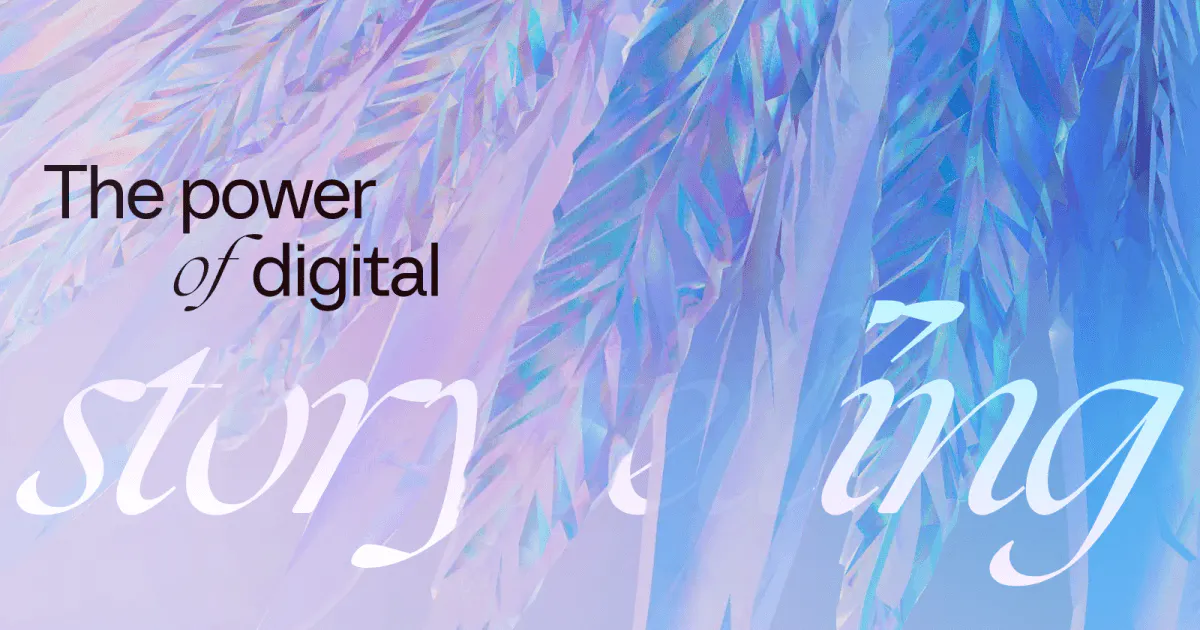
The Power of Digital Storytelling is a 3D world built to be experienced through scroll. Instead of explaining what storytelling means to us, we wanted to show it.
A glass phoenix guides you through the experience, then burns and is reborn. It reflects how we work with brands: starting with what already exists and transforming it into something new.
Here’s how we built it — and the thinking behind it.
This time, the story is about storytelling itself
Every project we release starts with the same question: what should this make people feel? Usually, the answer belongs to a client's brand. This time, we turned the question on ourselves.
The power of digital storytelling is a story about the way we tell stories. And instead of writing an essay about it, we built a world you can enter.
The phoenix at its center is not a random choice. A phoenix burns, and is reborn. That is what every project we create is: we take something that already exists and shape something completely new from it, built on the best of the brand, on its values, yet fresh, and made for specific goals. The phoenix is a symbol of change and evolution. And that is what we do: we bring brands and experiences to the next level.
Why build this as a scrollable 3D experience instead of a conventional marketing site? Because we can, and because it pulls the visitor into a space. A space creates more visceral reactions. It is about what people feel, not only what they read and imagine.
A world of 3D glass and light
Glass is part of who we are. We return to it in project after project because it carries our brand in material form: transparency and a kind of quiet magic. It is beautiful, it bends light, and it never fully hides what is behind it.
When the experience loads, visitors meet a glassy wing, the line The power of digital storytelling, and a call to explore — resting on a soft gradient. One tap or click, and the phoenix flies into the light. The narrative begins.
The wing is not decoration. It is the first promise of the craft: real phoenix geometry, shaded as glass, with dispersion and reflections that account for feather thickness and the space between feathers, details that ordinary website glass simply ignores.
We did not arrive there on the first try. The first opener was a grid of glass plates that animated aside — but the more we worked on the phoenix, the more the grid felt like an extra element with no connection to the story. It had no role. Then we tried an array of feathers, but the wing is already made of feathers. The phoenix could simply splash its wing open, and nothing extra was needed. We already had everything we required. Sometimes, less is more.
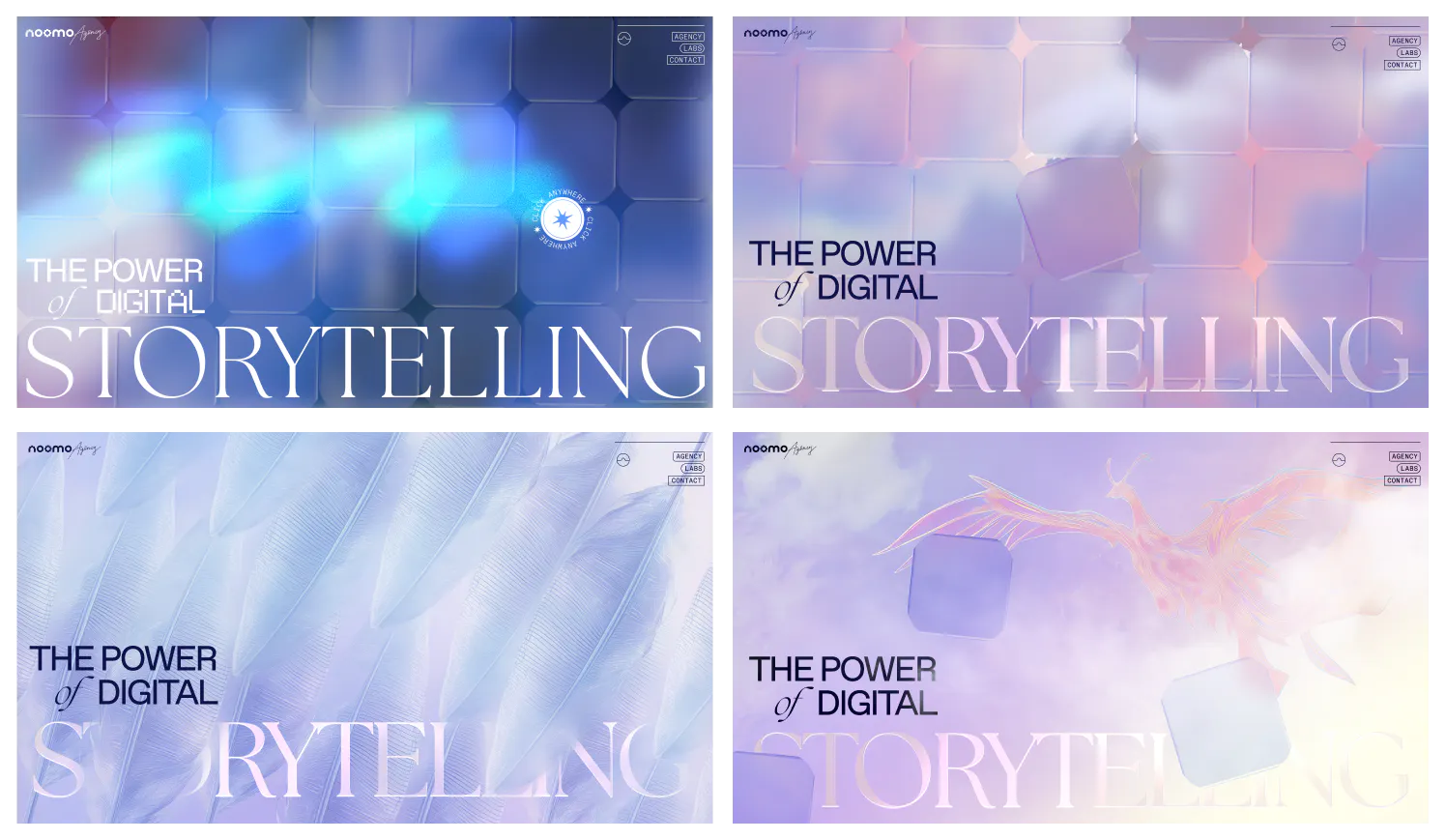 Noomo Storytelling Hero Explorations
The world itself lives in two moods. The light part of the experience is about story: you scroll, you watch the phoenix, you feel what storytelling is. Then, as the journey turns toward the case studies, the background falls into darkness and the phoenix retreats to a teaser. That shift is deliberate: this part is content-heavy, and we did not want the content and the phoenix fighting for attention. The light side is about feeling. The dark side is about knowledge.
Motion with a purpose
Designing the camera journey became the core motion challenge. The goal wasn't just to move users through the experience, but to define how every chapter reveals itself — through camera movement, evolving surroundings, and carefully timed transitions.
Every transition serves a purpose. Large camera movements appear only at key narrative moments: entering the world through the phoenix's wing, moving into the feather and crystal sequence, and finally revealing the restored phoenix. Each movement marks a new chapter of the story, reinforced by changes in color, composition, and the primary 3D elements. Together, these transitions help visitors intuitively recognize shifts in the narrative, without explicit navigation.
The same principle extended to the phoenix itself. Its wing and body movements were kept smooth and organic, reinforcing the calm, continuous rhythm of the journey.
Scroll-driven experiences can easily become exhausting when every interaction competes for attention. We deliberately avoided that by giving each movement a clear role: the camera continuously guides you through the story, larger transitions mark new chapters, and object animations stay subtle, adding depth without becoming a distraction.
Many of the final refinements came down to pacing rather than animation itself. We continuously adjusted camera speed, transition timing, and the amount of scrolling required to move through each chapter. The goal was never to make the experience faster or slower. It was to create a consistent rhythm, letting the pace accelerate during key transitions while staying calm and immersive within each scene.
Ice, cases, and a melody under the cursor
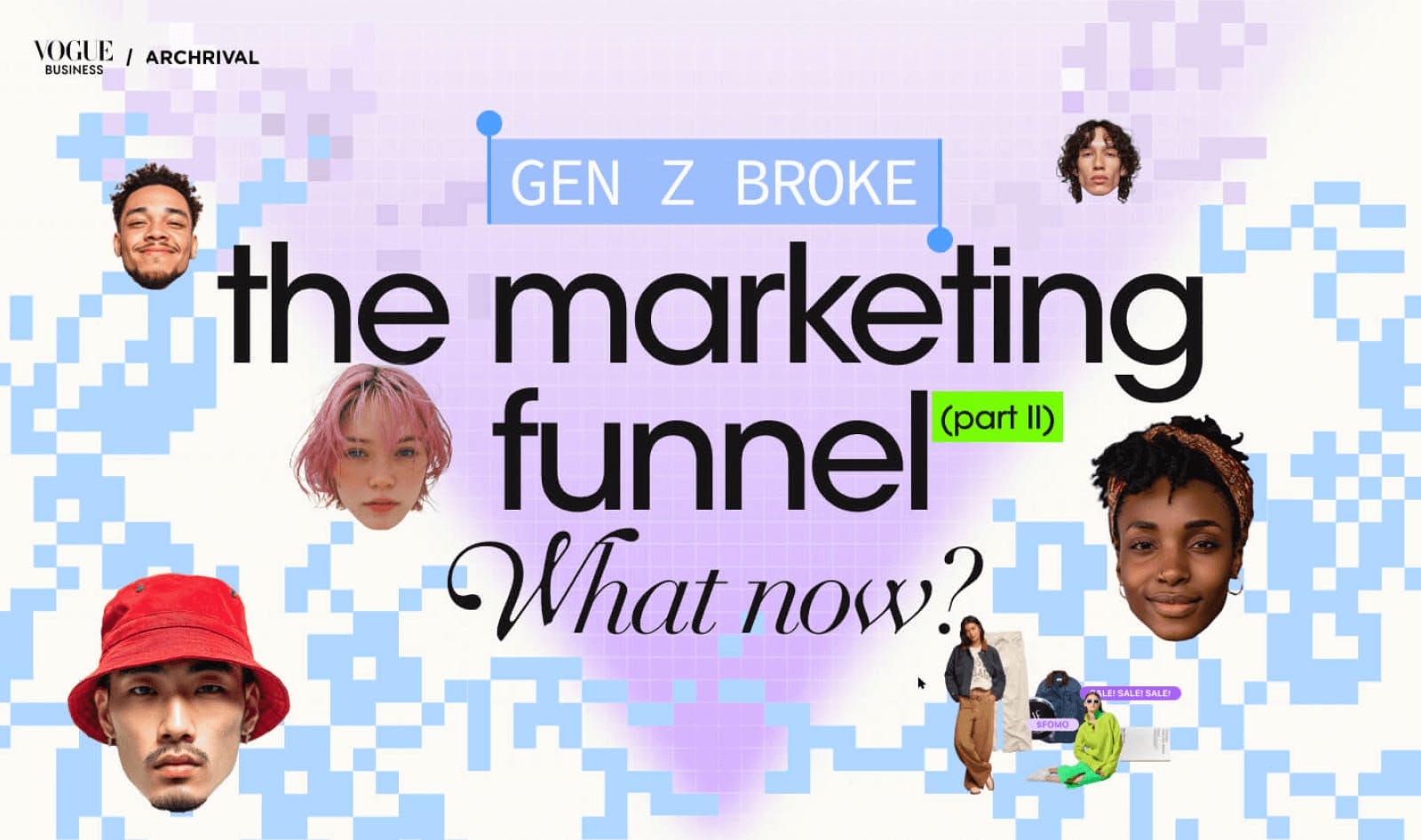
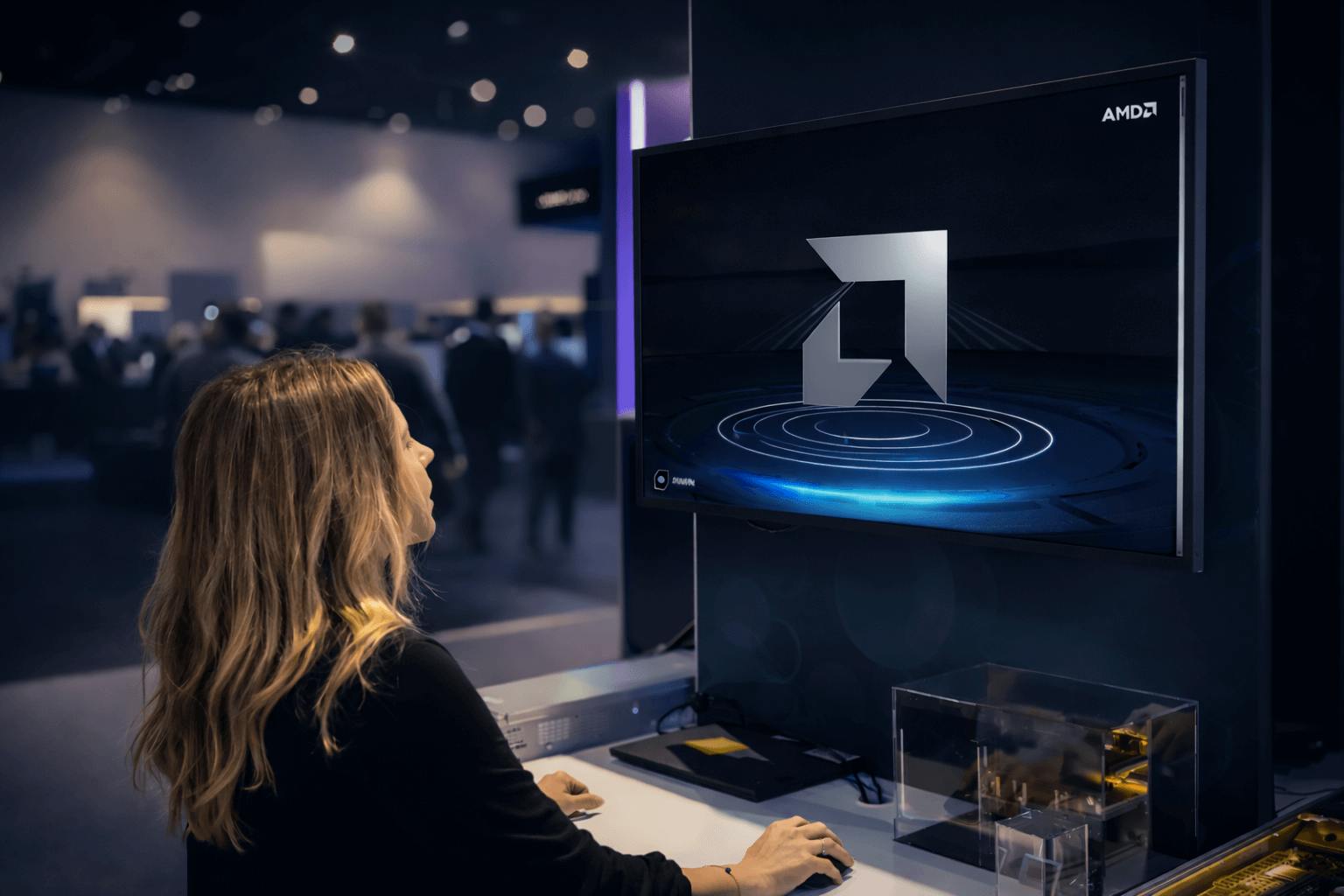
Halfway through the journey, storytelling becomes concrete: glassy ice crystals stand for real projects we have shaped — Coinbase, Salesforce, AMD, Intel, Vogue Business Archive, Noomo ValenTime, and Noomo Labs — each one a door into a case study.
On the main page, the crystals live inside the 3D journey. On a case study page, something different happens: a full-screen ice treatment with project video shaded beneath the surface using the same family of advanced glass techniques.
Sound joins the gesture. Hovering the crystals plays different notes and pitches; moving across them in sequence composes a unique little melody every time.
The soundtrack was selected to create the feeling of stepping into a self-contained, fairy-tale world. Interactive sounds are used more selectively, like the subtle glass tone when hovering over a crystal, to make key materials feel tactile and real.
Reimagine Phoenix
While the phoenix is on screen, a Reimagine Phoenix control sits at the bottom right. With a wide range of glass variations, each press reveals a new look: fresh color schemes and gradients that can feel hand-drawn, plastic, or metallic.
Reimagine is both a feature for visitors and a tool we used ourselves. During production, the randomizer helped us explore different looks and make sure each one still worked with the story.
In the final section, Reimagine turns off. That last look is intentional, designed to land exactly as it should.
A phoenix of fire above water
The climax is the phoenix hovering above the water, burning.
Here, the fluid simulation becomes fire. Across the site, your cursor moves through color and waves. In the finale, the phoenix takes over, its movement creates the flames.
Below, the water reflects the fire. Fire represents rebirth. Water represents reflection. The phoenix burns, something new appears, and then you move beneath the surface to discover that the story is not over. Another one begins.
Making this moment work meant bringing several systems together: custom glass, fluid simulation, fire, reflections, and performance optimization. A lot of technical work behind one simple idea, making the transformation feel real.
Under the surface
Now let’s look behind the experience: how we built the glass, turned Blender animation into camera movement, and kept everything running smoothly across devices.
Step 1. Building light into glass
The glass on this site is not a stock Three.js material with transmission turned up. We built a custom shading pipeline around data prepared for each mesh in Houdini.
The phoenix started as a ZBrush sculpt of roughly 1.6 million polygons. To make it work in real time, we reduced it to around 120k using procedural polyreduce weighted by convexity and concavity. This let us keep more geometry where shape and light needed it, and spend less where they didn’t. From there came a full UV unwrap, custom mesh grouping for the developer’s draw-ordering system, animation prep, attribute baking, and finally export as glb.
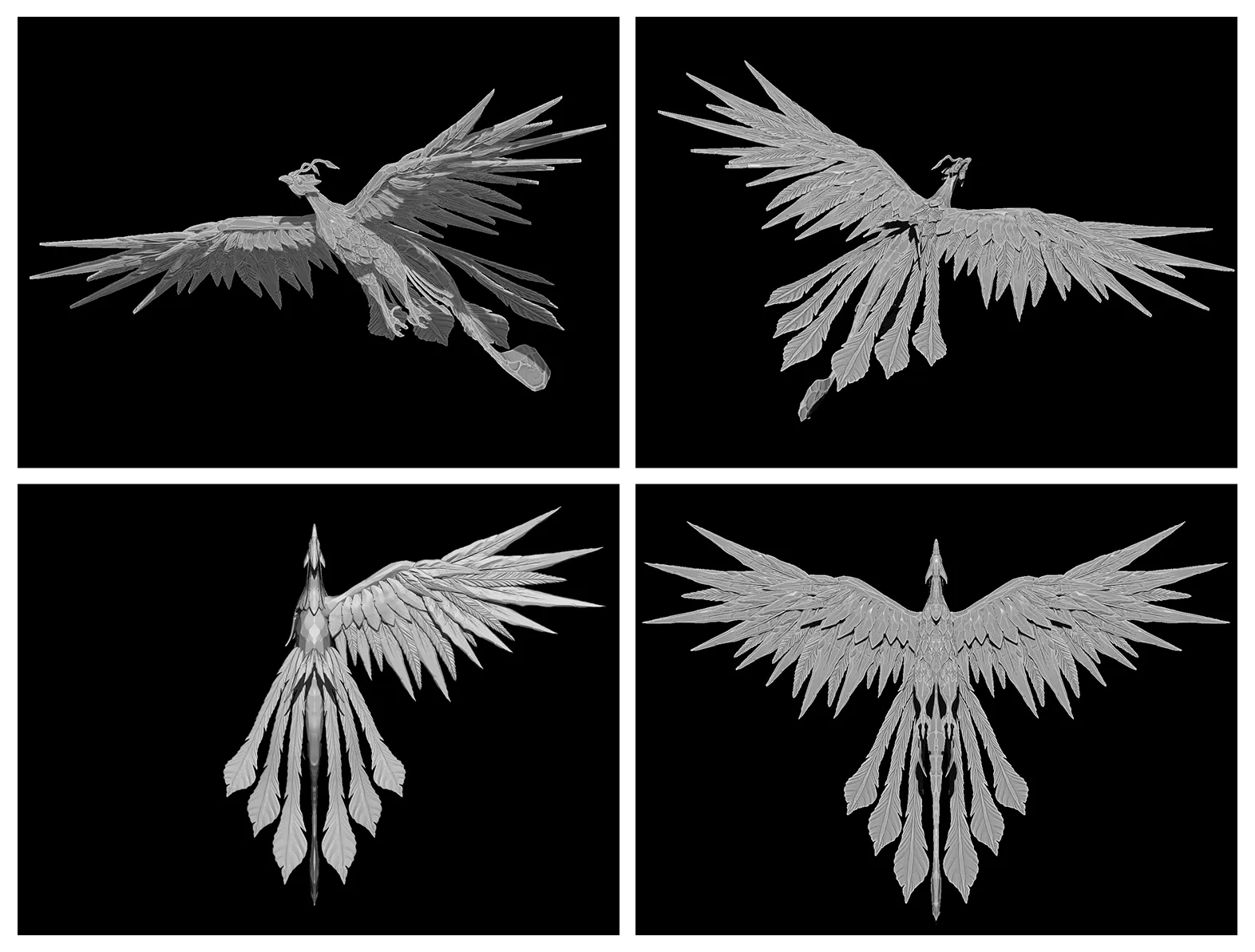 Phoenix 3D model
The bake is where the glass really starts.
The phoenix is made of 26 separate meshes. For each one, a procedural loop calculates convexity, concavity, sharp peaks, thickness, curvature, and a custom distance attribute against all the other pieces, deliberately excluding the mesh itself.
So each piece carries information not only about its own shape, but about how it sits inside the bird as a whole. The shader can use that data to focus and disperse light with a sense of real volume, instead of producing the flatter refraction common in real-time web glass.
The custom distance attribute started with a standard ray-based minimum-distance technique. That alone did not give us the result we wanted, so we combined it with additional operations and rewrote part of the process in custom VEX. The exact recipe stays in-house.
And we never use the generated data raw.
Every attribute is blurred, sharpened, and adjusted with custom masks, per mesh and per channel. We suppress the areas that do not look right and push the ones that do. The procedural system creates the raw material. The final result still comes from hand-tuning and visual judgment.
There was also no offline previz in Karma or Redshift. The Houdini data went straight into the real-time build, and the glass was developed collaboratively between 3D and creative development — moving back and forth between Houdini and the browser until it felt right.
On the rendering side, blue-noise sampling keeps dispersion and rainbow effects vivid without the cost of exhaustive sampling. On the opening wing, even reflections respond to feather thickness and the spaces between feathers.
The workflow itself: bake, hand-tune, shade — now lives as a self-contained Houdini node tree. It is reusable, not something built only for this phoenix.
And you can already see the same glass language elsewhere in the experience: in the case-study crystals and beneath the ice surface.
Step 2. Stones that are grown, not modelled
Every case-study crystal is generated procedurally from beginning to end.
A flat SVG icon becomes a 3D icon. Houdini grows a procedural stone around it. Then the result moves through the same custom data-baking pipeline we built for the phoenix.
To create the final set, we used Houdini’s PDG system to batch-generate many seeded variations.
There was a practical reason for generating so many. The icon inside the crystal had to remain readable through the glass refractions, and that readability changes dramatically depending on camera angle and animation.
Instead of trying to design one perfect procedural result, we generated dozens and curated the strongest ones. The creative director could browse the variations and choose which stones actually worked in the experience. The algorithm created the options; the final decision stayed human.
Each crystal also includes invisible technical support.
A low-poly convex hull is generated for every stone and used as collision geometry, so interactions can be calculated against a cheap proxy instead of the full model.
We also built a COPs-driven normal-map pipeline. Triplanar projection is mixed with the same processed mesh attributes used elsewhere to control intensity and surface detail. That means each stone’s normal map comes from its own geometry rather than relying on a generic authored texture.
Step 3. A feather falling through the void
The feather drifting through the middle of the journey looks like a simulation, but it isn’t.
It is a lightweight shader effect built from two noise patterns displacing each other.
The scene’s VFX are packed into three small textures — one per RGB channel — which drive the effect at runtime, supported by a small particle setup around the feather.
The brief was not a technical one. We wanted the feeling of falling through a void.
So the effect was designed to be cheap from the beginning. The atmosphere comes from how it is tuned, not from how much compute it uses.
.
Step 4. Scroll as a cinematic timeline
The movement through the experience is authored in Blender, not directly in code.
We animate empty helper objects along a Blender timeline. In the browser, scroll position maps to a specific moment on that timeline, and every value connected to those helpers updates inside the live Three.js scene.
GSAP ScrollTrigger help connect the timeline to the front end.
This made the workflow surprisingly flexible. In many cases, extending the journey meant only two things: add another helper in Blender and write a short binding in code.
The scroll animation then follows automatically.
We also built separate timelines for desktop and mobile. Mobile is not simply the desktop animation scaled down. It has its own pacing, camera movement, and crystal arrangement so the same world works within a very different frame.
Under everything, Nuxt handles the site structure and routing, Three.js and WebGL renders the 3D world, and GSAP ScrollTrigger supports the motion system.
Step 5. When transparent pieces refuse to sort themselves
One of the hardest problems was something most visitors will never notice: draw order.
Transparent objects need to be rendered back-to-front. That sounds simple until the object is an animated phoenix built from many overlapping glass pieces.
Those pieces can create sorting cycles: A sits in front of B, B in front of C, and C in front of A. At that point there is no single correct global answer to which mesh should render first.
Automatic depth sorting failed.
From one camera position, the phoenix could look perfect. Move the camera slightly and a glass piece might suddenly jump in front of another, immediately breaking the illusion.
So we built our own sorting system.
Different mesh orders are used when the phoenix is viewed from the front and from the back. Wing pieces have their own intentional ordering. Camera movement and even pointer-based parallax were tuned so visitors rarely reach angles where a visible swap can happen.
The 3D pipeline supports the system upstream by splitting the phoenix into mesh groups that map cleanly to the developer’s sorting rules.
There is no magic algorithm here. It is a handcrafted solution to a problem that did not have a clean universal one.
Step 6. Beauty that adapts, and experiments we left behind
A world like this cannot only work on the machine it was designed on.
So we built an automatic ladder of roughly eight quality levels.
The experience deliberately does not start at maximum quality. Instead, it begins somewhere in the middle, measures how the device is actually performing, and then moves up or down.
That changes things like glass detail, anti-aliasing, render resolution, reflections, and other rendering settings in real time.
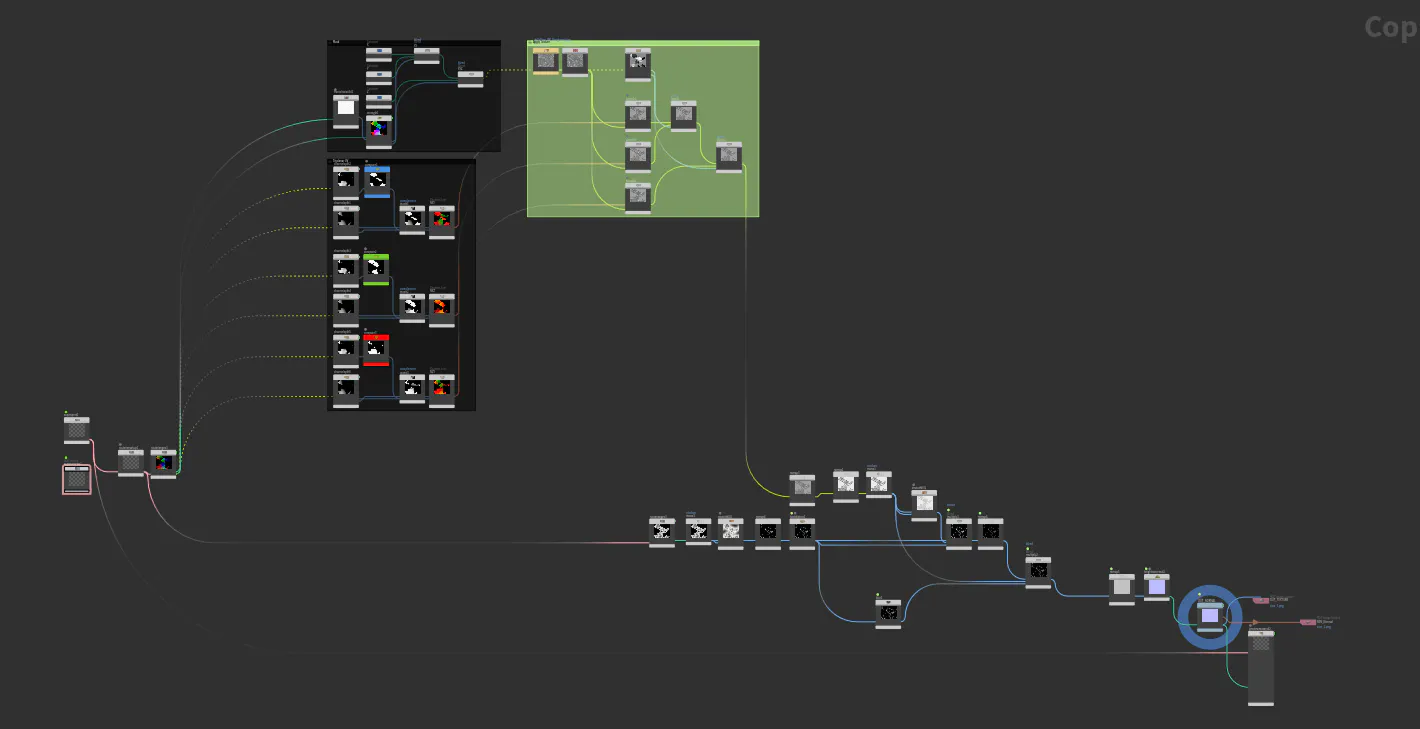
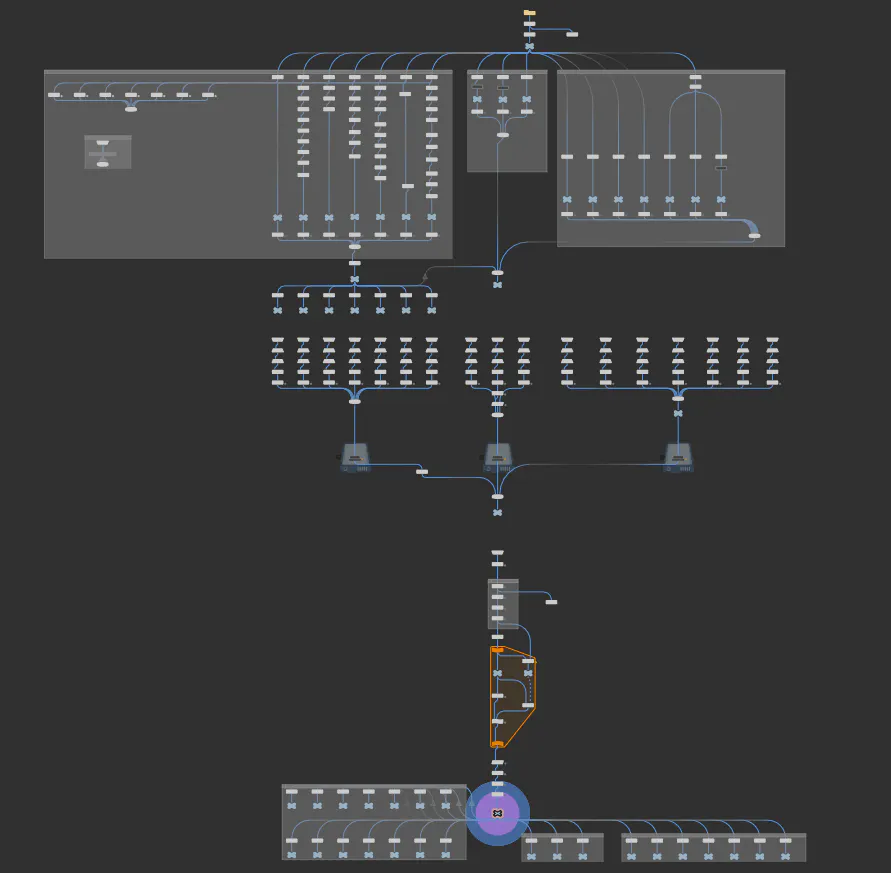
The quality system sits separately from the visual stack, which means those settings can change while the experience runs without rebuilding the renderer itself.
A lower-end phone gets a version it can handle. A powerful machine gets the full image.
We treated asset delivery the same way.
We tested KTX texture compression but decided against it. The site does not rely heavily on large texture sets, and the reduction in download weight was not meaningful enough to justify it.
Geometry mattered more, so glTF with Draco compression carries the 3D assets instead. Loading time made the decision for us.
And despite some of our other experiments with WebGPU, this project is pure WebGL.
The biggest rendering improvement did not come from changing the graphics API. It came from exporting and using much richer data from Houdini.
Technologies and tools used
- Three.js & WebGL — real-time 3D
- Nuxt / Vue — site framework
- GSAP + ScrollTrigger — motion assistance
- Blender — animation & scroll timelines
- SideFX Houdini — custom glass data, procedural stones, VFX
- ZBrush — phoenix sculpt
- glTF & Draco — 3D delivery
- Figma — art direction
The things we left behind
Not every experiment needed to ship.
We tested interactive fire on the burning phoenix, where cursor movement could shape the flame. Technically it worked, but visually it broke the depth and perspective of the scene, so we removed it.
The technique may return somewhere else.
We also tried GPGPU-based trails adapted from another project. They broke in this setup, took days of debugging, and in the end did not really belong in such a minimal world anyway.
Removing something is part of the process too.
Experience it: storytelling.noomoagency.com
More about storytelling experiences:
- The power of digital storytelling or how to tell the story without words.
- Noomo Beat — an immersive 3D AI audiovisual experience for brand activation. Read Case Study.
- Noomo Labs — a place for cutting-edge immersive experiences, 3D websites, AR activations, and interactive web experiences. Read about what was happening behind the scenes in this article.
- How 3D configurators help brands increase engagement and improve user experience.
- Shaping Jasmina Denner’s story through digital storytelling.
- Brand activation experience for AI.IO | INTEL
- Best 3D Websites, with 3d Animation and AR
- Brand Strategy for Web3: Сreate brand identity for the future.
- How to create epic animations and interactions for any interface.
- Crafting the Best Storytelling Website.
- Elevate marketing and sales by using immersive web experiences.
FAQ
How was the realistic glass effect created in WebGL?

The glass is not a stock Three.js material. Each of the phoenix's 26 meshes carries custom data baked in Houdini — thickness, convexity, concavity, peaks, and a custom distance read — computed relative to all the other meshes and then hand-tuned per mesh. A custom shader uses that data, with blue-noise sampling keeping dispersion vivid at real-time performance.
How does the experience stay fast on mobile and low-end devices?
An automatic system with roughly eight quality levels starts the site mid-range, measures how the device actually performs, and then steps quality up or down — adjusting glass detail, anti-aliasing, resolution, and reflections. Capable devices automatically get the best possible image; weaker devices keep a smooth frame rate with the same visual identity.
What technologies were used to build the storytelling website?
The site runs on Three.js and WebGL for real-time 3D, with Nuxt/Vue as the framework and GSAP with ScrollTrigger assisting motion. Animation and scroll timelines were authored in Blender; the custom glass data, procedural crystals, and VFX were built in SideFX Houdini (with VEX and PDG); the phoenix was sculpted in ZBrush; geometry is delivered as glTF with Draco compression.
Why choose an interactive 3D website instead of a conventional marketing site?
Because a space creates stronger reactions than a page. An interactive 3D website lets a brand show instead of describe — visitors feel the story rather than just read it, which makes the brand more memorable. It works best for launches, brand storytelling, and moments where standing out matters more than following convention.
Do immersive websites work for content-heavy or enterprise brands?
Yes, when the structure is designed for it. In this experience, the light part is built for feeling and the dark part for knowledge: as the journey reaches the case studies, the background darkens and the phoenix steps back, so content never fights the visuals for attention. The same principle lets enterprise sites carry serious content inside an immersive experience.